
Webtools#
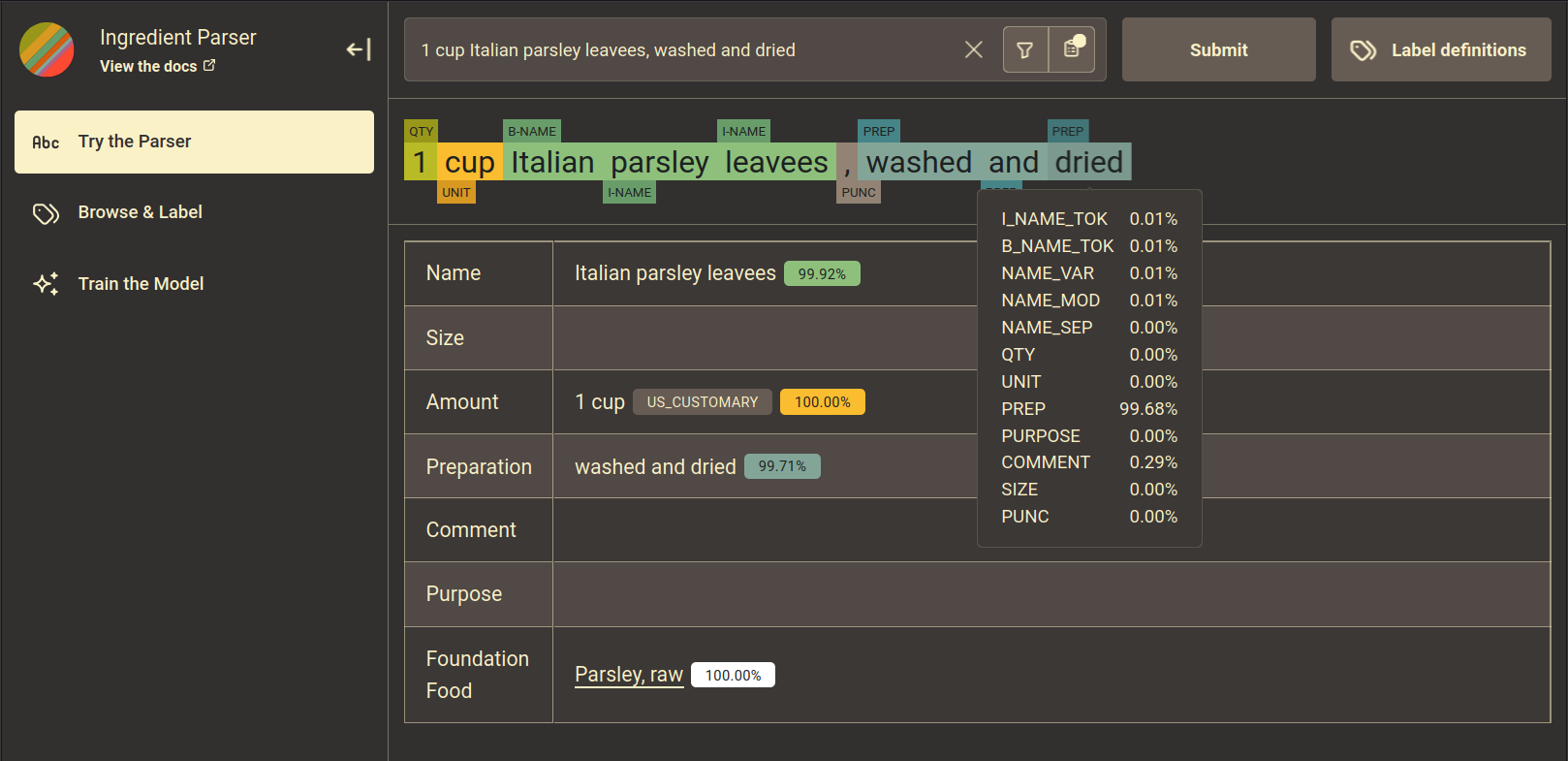
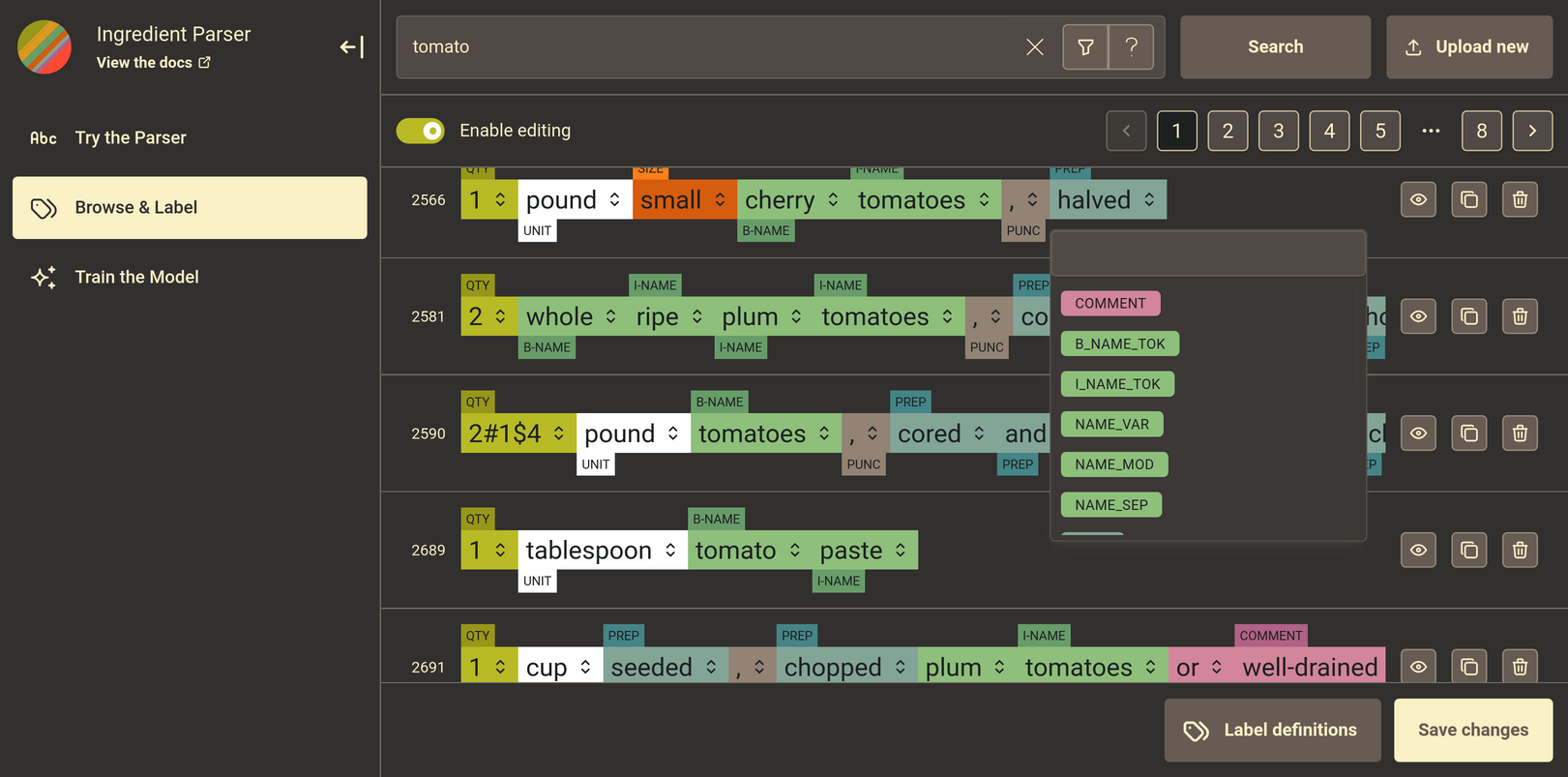
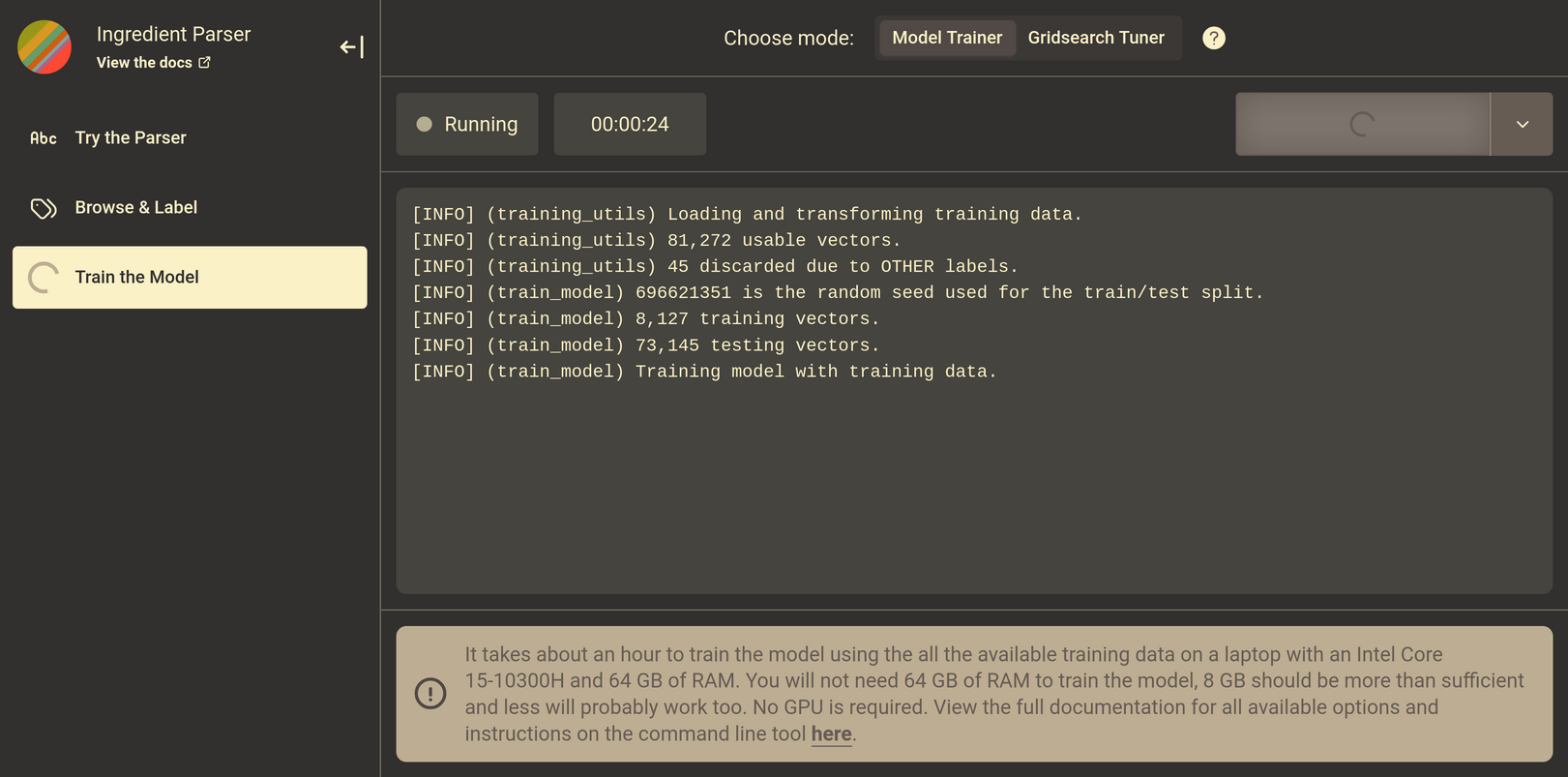
The ingredient parser library provides a convenient web interface that you can run locally to access most of the library’s functionality for testing and development purposes. The web app (webtools) supports basic workflow needs, namely:
Testing and using the trained parser (a.k.a.
parse_ingredient)Browsing the ingredient sentence training database (see Explanation/Training data)
Editing the labels of ingredient sentence training entries (see Explanation/Training data)
Training and tuning the parser (a.k.a.
train_single,train_multiple,grid_search)train_singletrains a model using the provided hyper-parameters and outputs the model accuracy statistics.train_multipletrains multiple models using different random seeds values and outputs the aggregated accuracy statistics.grid_searchtrains multiple models using different hyper-parameters and outputs the accuracy statistics for each set of hyper-parameters.
Requirements and Setup#
To run the webtools, clone the repository and install all python libraries in requirements-dev.txt.
Next, install Node, a Javascript runtime, on your machine.
Lastly, navigate to the webtools directory and install using npm:
# Clone repository
$ git clone https://github.com/strangetom/ingredient-parser.git
$ cd ingredient-parser

# Create venv and install required packages
$ python -m venv venv
$ source venv/bin/activate
$ python -m pip install -r requirements-dev.txt

# Install webtools
$ cd webtools
$ npm install
$ npm run dev
The webtools can be accessed at http://localhost:5000 in your browser.
Tech Stack#
The web technology stack (packages, libraries, and tooling) includes:
The list is subject to change as the webtools evolve to support changing needs or new functionality.